01 — Context
Summary
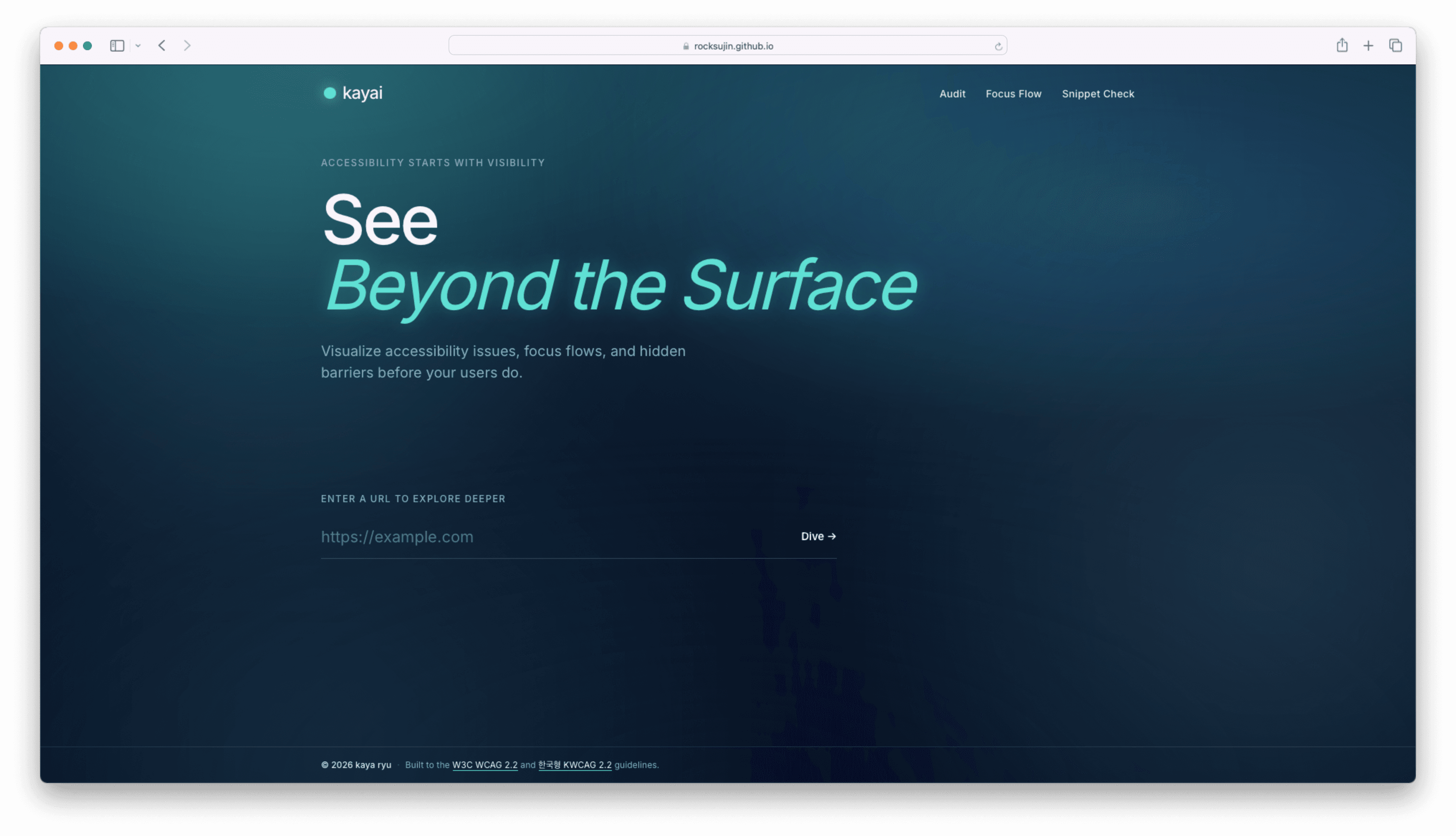
Something I'd been thinking about but hadn't actually built yet — this project let me put it into practice. Enter any public URL or paste a component snippet, and it analyzes the code against WCAG and KWCAG standards, then overlays the focus flow directly on the page so you can see, not just read, how a screen reader or keyboard user would move through it.
02 — Challenge
Problem
Accessibility audits are usually either too abstract (a checklist of rules) or too disconnected from the actual interface (a report you read separately from the page). I wanted to see the focus order the same way a user experiences it — visually, in context — rather than inferring it from a list of violations.
03 — Approach
What I Did
- Built dual input modes: full URL analysis for any public website, and direct snippet analysis for in-progress component code.
- Implemented WCAG and KWCAG rule checks to evaluate semantic structure, ARIA usage, and keyboard accessibility.
- Designed a focus-flow overlay that renders directly on top of the analyzed page, visually tracing the tab order step by step instead of presenting it as a disconnected report.
04 — Outcome
Result
Built through vibe coding with Claude Code, this was the first time I turned an idea I'd only thought about into an actual working tool. The AI-explanation feature is still incomplete since I couldn't wire up a paid API, but it was a meaningful project regardless — I still use it to validate accessibility decisions on real interfaces, including my own portfolio.